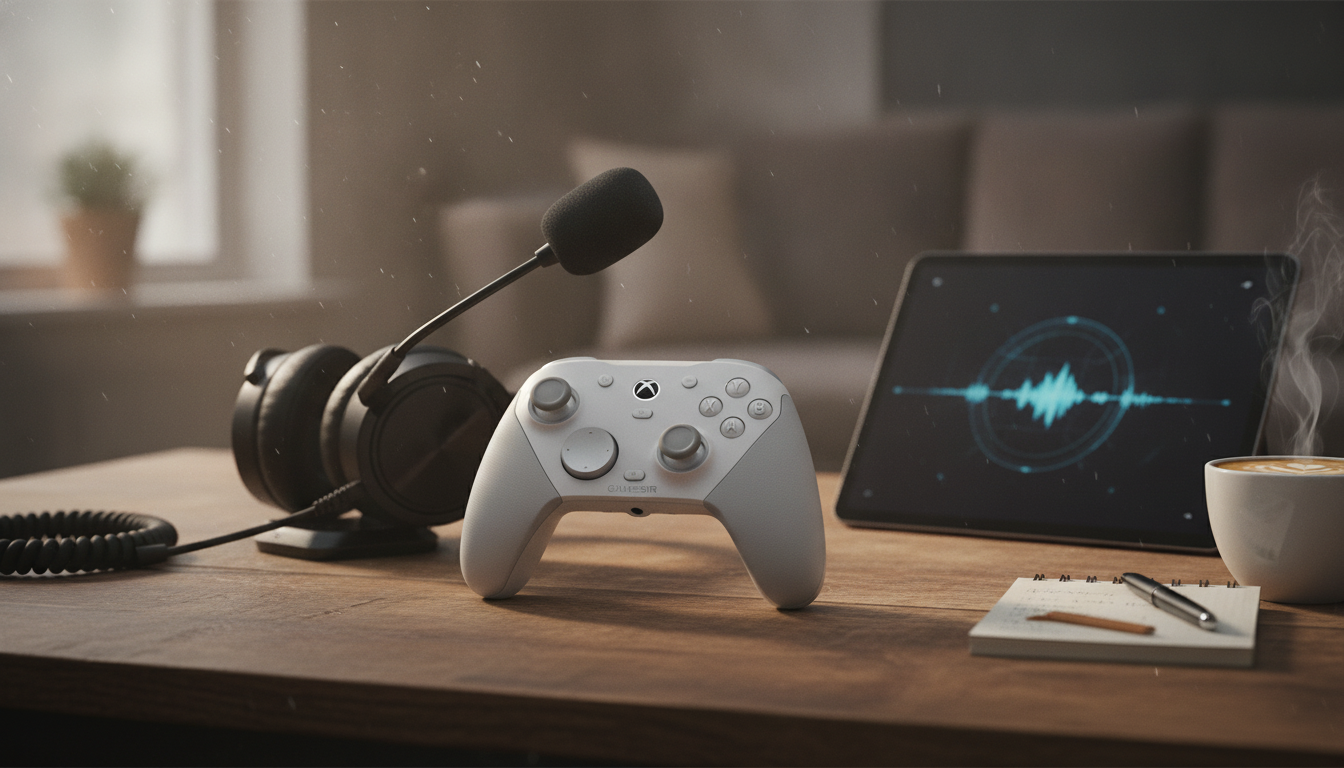
A controller that doubles as a clear-voice comms tool can simplify setup, cut background distractions, and keep team callouts understandable even in loud rooms. The best models combine smart mic processing with stable wireless performance and comfort that holds up past the first hour. Below are seven standout features to look for in a wireless gaming controller with a noise cancelling mic, plus practical tips for setup, comfort, and long-session reliability.
A controller mic has a tougher job than a headset mic because it sits farther from your mouth. That extra distance means background sound control and voice processing matter more than raw mic sensitivity.
Controller mics shine for quick party chat, couch co-op, or travel setups where a full headset is inconvenient. Instead of chasing “louder,” the goal is keeping consonants crisp—callouts like “left,” “push,” and “one-shot”—without the voice turning thin or overly compressed.
Also check whether your platform offers mic monitoring or chat balance controls (console settings, PC audio settings, or in-app toggles). If you can hear your own voice naturally, you’re less likely to shout—especially useful in late-night sessions.
| Factor | Controller mic (noise cancelling) | Headset mic |
|---|---|---|
| Distance to mouth | Farther; relies on processing and directional pickup | Close; easier to isolate voice |
| Background noise handling | Strong noise reduction is essential | Often good even without heavy processing |
| Setup convenience | No extra gear; quick to join chat | More cables/dongles; more controls |
| Voice clarity consistency | Varies by room and grip position | More consistent across environments |
| Best use case | Casual chat, couch play, travel | Competitive comms, streaming, loud rooms |
Effective processing reduces keyboard clacks, TV audio bleed, and room echo while keeping your voice natural. The sweet spot is a clean, steady tone—without the “underwater” or muffled sound that can happen when filtering is too aggressive.
Placement affects everything: handling noise, breath pops, and how much your controller movements translate into chat spikes. A directional pickup pattern helps reject off-axis sound (like a nearby TV or a roommate speaking behind you), making callouts more readable.
Stable wireless isn’t just about gameplay—voice quality depends on it too. A connection that jitters can create robotic artifacts, drop syllables mid-sentence, or briefly desync your audio during tense moments.
If the controller uses Bluetooth, compatibility and environment matter; crowded wireless spaces can increase interference. For deeper technical context, the Bluetooth Core Specification (Bluetooth SIG) is a helpful reference on how Bluetooth devices communicate.
Low latency keeps aiming, parries, and rhythm inputs feeling tight instead of “floaty.” It also helps chat feel more immediate—especially when you’re stacking rapid callouts during pushes or rotations.
| Feature | What to look for | Why it matters during play |
|---|---|---|
| Noise cancelling mic | Voice stays clear without sounding muffled | Cleaner callouts in noisy rooms |
| Mic placement/pickup | Less handling noise; reduced echo | Fewer accidental mic spikes |
| Wireless stability | No random disconnects or jitter | Reliable inputs and chat |
| Low latency | Responsive aiming and button timing | Better control feel in fast games |
| Ergonomics | Comfortable grip and trigger reach | Less fatigue over hours |
| Battery/charging | Strong runtime; play while charging | Fewer interruptions |
| Customization | Profiles and remaps that actually save | Faster adaptation across genres |
If your voice chat acts up on Windows, Microsoft’s guide to fix sound or voice issues can help confirm device selection, permissions, and input levels.
No—noise cancelling can reduce common steady and mid-level sounds, but loud TV audio or sudden noises can still come through. Room acoustics and your mic sensitivity settings also affect how clean your voice sounds.
With good wireless stability and reasonable processing, delay is typically minimal. Interference, low battery, or congested wireless environments can introduce artifacts or perceived lag.
It can be good enough for many players, especially in typical home environments, but a dedicated headset is usually more consistent in very loud rooms or tournament settings. The trade-off is convenience versus maximum isolation and clarity.





Leave a comment