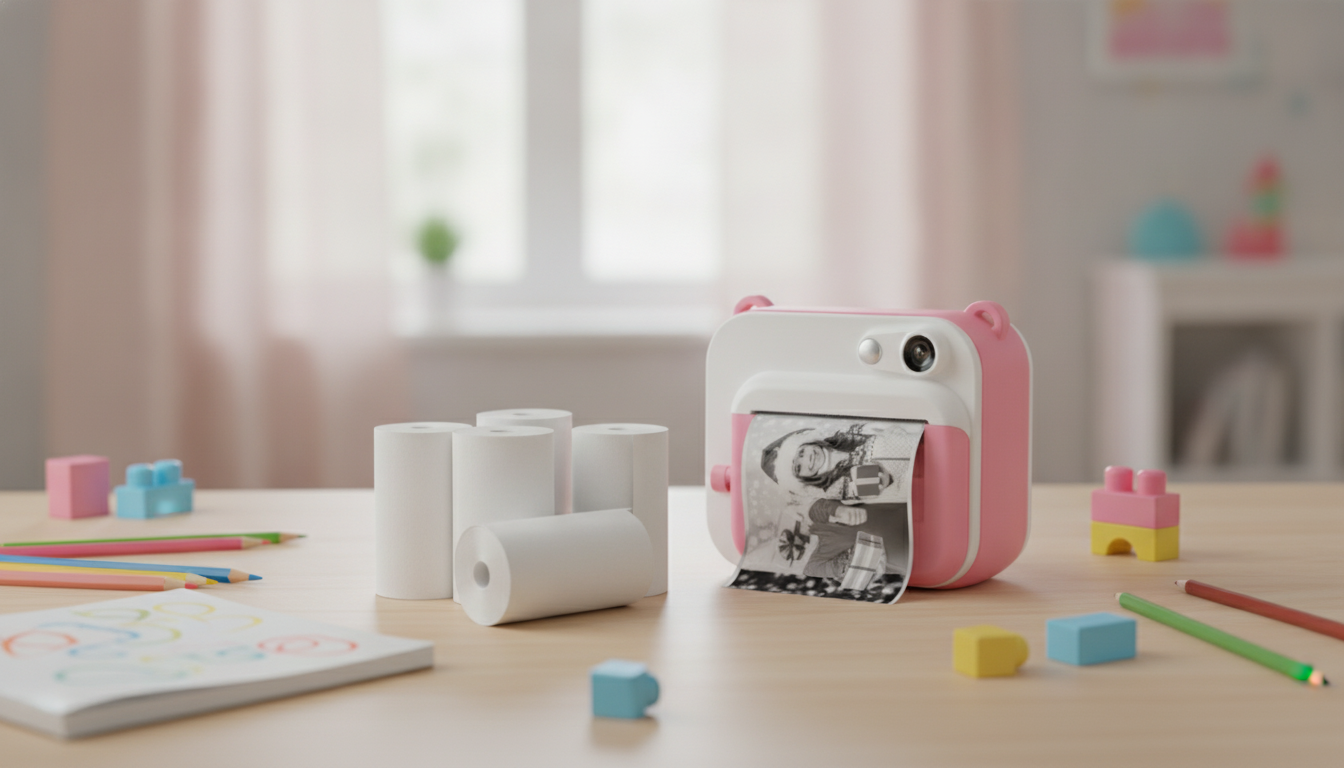
Thermal paper rolls let kids cameras print photos instantly without ink—just load a roll and press print. A multi-pack keeps the camera ready for parties, trips, school projects, and everyday snapshots with less downtime between prints. With a few simple compatibility checks and kid-friendly tips, you can cut down on jams, boost print clarity, and save more little moments for scrapbooks, mini journals, and memory walls. For more guidance, see Panda Print and Digital Camera.
Instant thermal paper works by reacting to heat from the camera’s thermal print head, creating an image without ink cartridges or refills. That’s why these kids cameras are so convenient: the “ink” is essentially built into the paper’s coating. For further reading, see FaithTag 3-Roll Glossy White Thermal Sticker Paper ….
If you’re curious about common chemical discussions around thermal paper, reputable references include the U.S. Food & Drug Administration (FDA) information on BPA and the European Chemicals Agency (ECHA) substance page for BPA.
Most printing problems come from mismatched roll sizing or loading direction. Before purchasing, compare the roll you have (or the camera’s manual specs) to the replacement roll.
| What to check | Where to find it | Why it matters |
|---|---|---|
| Roll width | Camera manual / old roll measurement | Prevents rubbing, jams, and off-center printing |
| Core (inner hole) size | Measure the empty roll core | Ensures the roll spins freely on the spindle |
| Paper type (standard vs adhesive) | Camera settings / product description | Affects feeding, sticking, and craft use |
| Print density settings | Camera menu (Light/Normal/Dark) | Improves readability and reduces wasted paper |
| Tear method (manual tear vs cutter) | Inspect camera slot/cutter | Affects clean edges and kid-friendly handling |
Thermal prints reward simple scenes. A few small habits help kids get bolder lines, clearer faces, and fewer “mystery gray” photos.
A fun trick for parties: have kids step closer to a window (not directly into the sun), then take the photo with the subject centered. The print tends to look sharper, and the background stays cleaner.
Loading is usually easy, but alignment matters. A rushed reload often leads to wrinkled edges that keep causing problems until you trim them off.
If the camera starts printing off-center, stop and reload before the edge wrinkles. A wrinkled edge can make the roll “walk” sideways as it feeds.
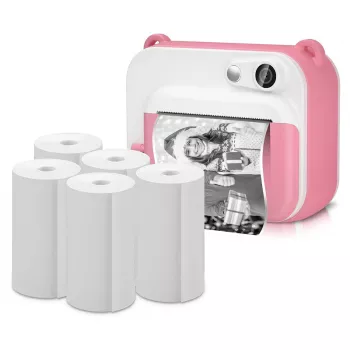
For easy restocks and smoother print sessions, start with a dependable multi-pack like 5 Rolls of Instant Thermal Printing Paper for Kids Camera. For cozy “photo booth” setups at home—blanket-fort portraits, reading-nook snapshots, and rainy-day crafts—add a soft backdrop like the Sofa Knit Throw Blanket with Tassels.
Not always. Compatibility depends on roll width, the inner core size, and whether your camera requires standard thermal paper or adhesive-backed paper, so it’s best to check the camera manual or measure the roll you already have.
Try adjusting the camera’s print density setting and retake photos in brighter light with a simpler background. Also confirm the roll is loaded in the correct feed direction, and clean the print head only as instructed by your camera’s manufacturer.
Store prints in a cool, dry, dark place and keep them away from heat, sunlight, and oily hands. Using photo-safe sleeves or scrapbook pockets can reduce smudging and help prevent background darkening over time.





Leave a comment