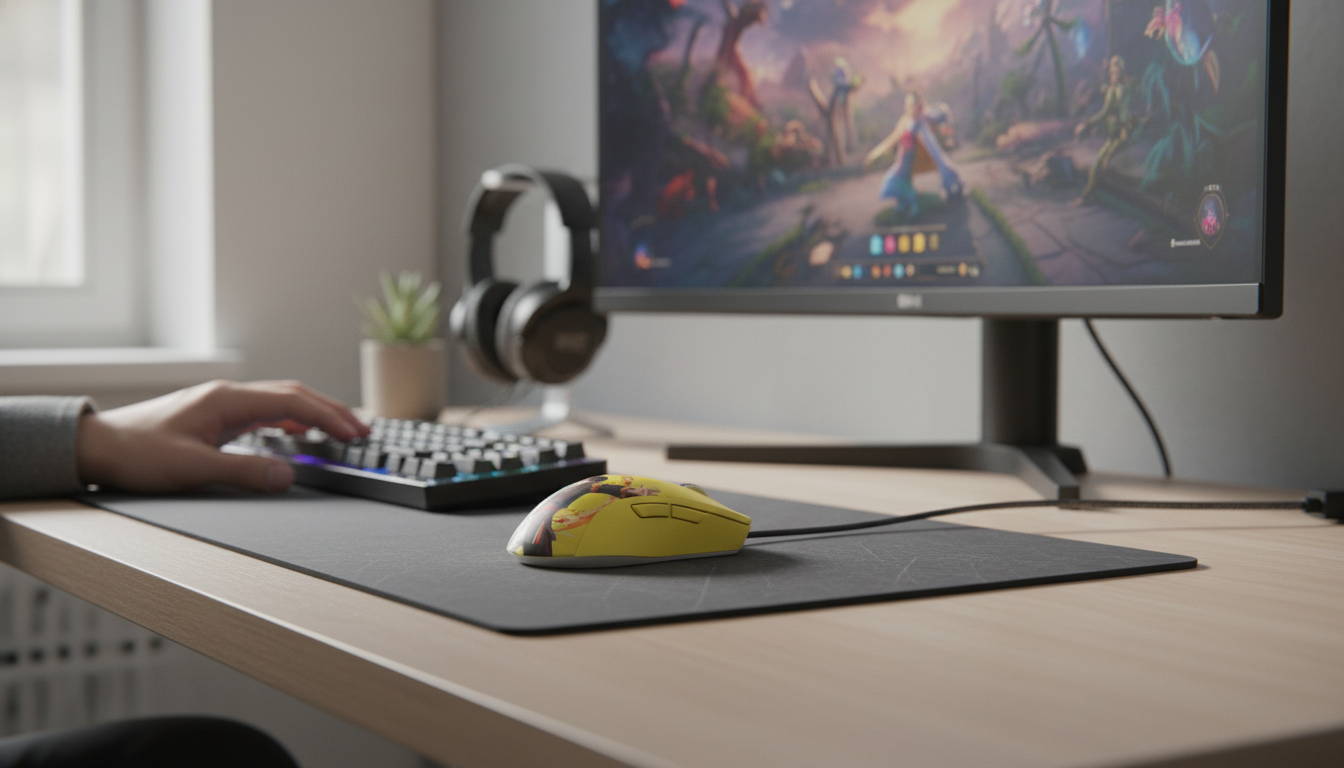
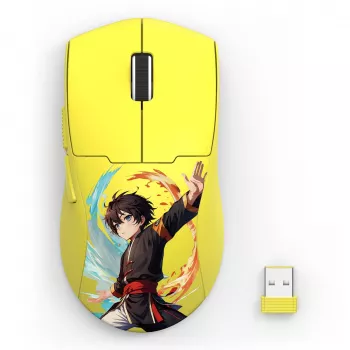
Fast aiming, reliable tracking, and a comfortable grip matter more than flashy extras. This wireless gaming mouse pairs a high-sensitivity sensor with a lightweight, ergonomic body designed for long sessions—whether the focus is competitive shooters, MOBAs, or everyday productivity. The result is a setup that feels quick to start, easy to stop, and predictable when it matters most: tracking targets, snapping to heads, or landing ability combos without fighting cable drag or a heavy shell.
For players who pay attention to “feel,” it’s the combination that stands out: a sensor that can track cleanly at your chosen DPI, plus a body that stays comfortable during hours of play. If system responsiveness is a priority, it also helps to understand end-to-end latency factors beyond the mouse itself; NVIDIA’s overview of system latency is a solid reference: NVIDIA Reflex: System Latency Explained.
Use this summary to compare against the current mouse or shortlist alternatives. Key priorities for most players: comfortable shape, dependable wireless, and a sensor that tracks cleanly at the chosen DPI.
| Feature | What to look for | This model |
|---|---|---|
| Sensor sensitivity | Wide DPI range with stable tracking | Up to 26K DPI |
| Design | Comfortable shape for long sessions | Lightweight ergonomic body |
| Connection | Low-latency wireless for gaming | Wireless |
| Use cases | FPS, MOBA, general PC use | Gaming + everyday |
| Price | Value relative to features | $21.51 |
| Availability | In stock is ideal for quick delivery | In stock |
Shop the featured mouse here: Wireless Gaming Mouse with 26K DPI – Lightweight Ergonomic Design.
A practical starting point for many players is 800–1600 DPI with a moderate in-game sensitivity, then refining from there over several sessions. Consistency matters more than chasing extremes—muscle memory builds when the pointer response stays predictable day to day.
Comfort is performance. A shape that fits the hand reduces tension in the fingers and wrist, which makes fine control easier late into a session.
For a deeper standards-level look at how mice present as input devices, the USB Implementers Forum documentation is a helpful reference: USB HID (Human Interface Device) Class Specification.
If voice comms are part of the routine, pairing a responsive mouse with simple, reliable audio can keep the setup streamlined. For a budget add-on, consider: 3.5mm/Type-C Wired Gaming Earbuds with Mic & Detachable Cable.
Most players don’t need extremely high DPI for better aim; consistent tracking and stable settings matter more. Many FPS players stay around 800–1600 DPI and adjust in-game sensitivity to dial in precision, while higher DPI can be convenient for high-resolution desktop use.
Place the receiver closer to the mouse using a front USB port or a short hub, and keep it away from congested areas if possible. Reducing clutter near the receiver and keeping other wireless devices from crowding the same space can also help maintain a stable connection.
Lightweight mice often feel especially responsive with claw or fingertip grip because small adjustments take less effort. An ergonomic shape can still support palm grip well for comfort, as long as the back and sides match the hand size and prevent a cramped pinch grip.




Leave a comment
You must be logged in to post a comment.