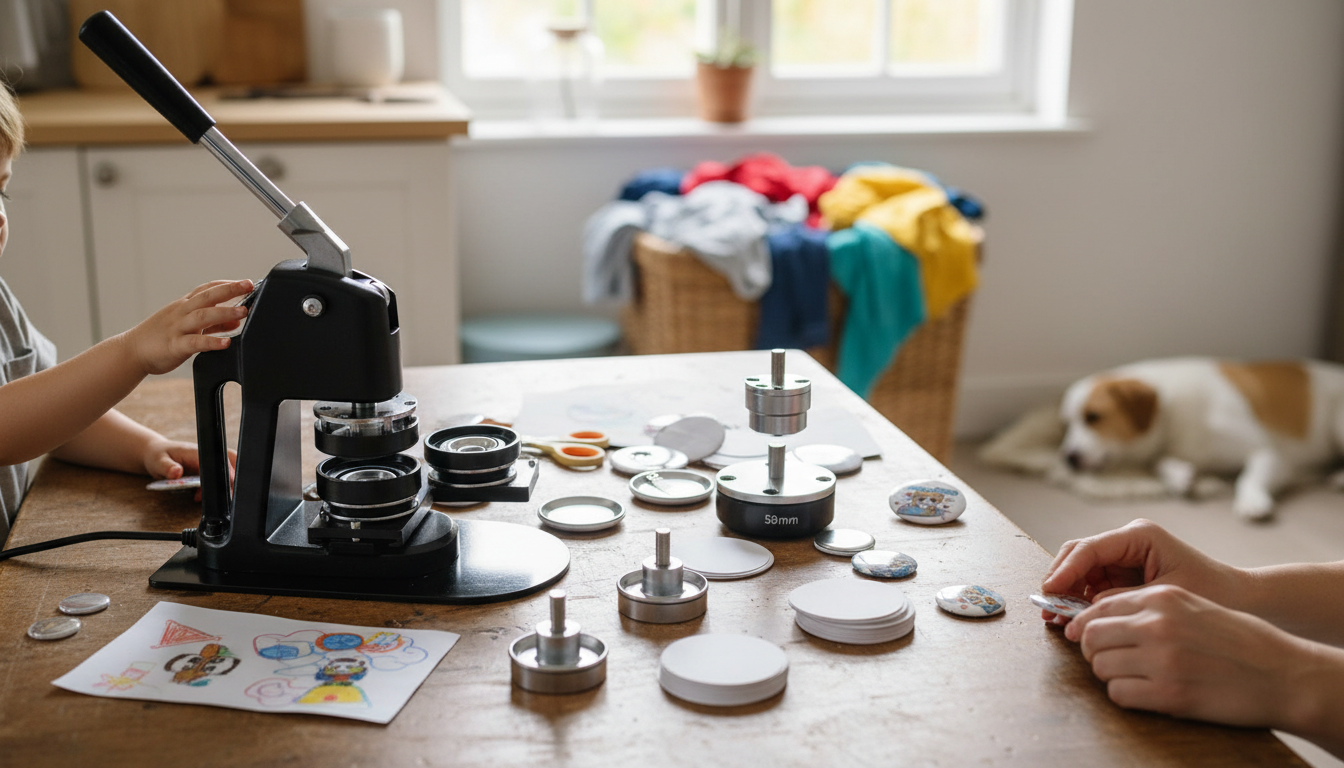
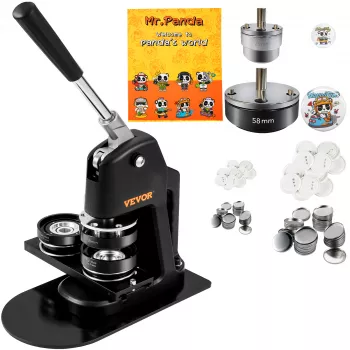
Yes—many button makers can produce different button sizes, but it depends on the specific machine and the dies (also called molds) it uses. Some machines are built for one size only (for example, 1 inch or 2.25 inch), while others can be converted to multiple sizes by swapping compatible dies. Before buying extra parts, confirm the brand, model, and the exact die size options that fit your press.
A button maker doesn’t “resize” on its own. Each button diameter requires a matching die set that aligns the shell, plastic (or mylar), and pinback parts correctly. If the die and the parts don’t match, the button may crimp poorly, wrinkle, or fail to close.
Single-size machines are common for hobby use and are straightforward: one press, one size, fewer adjustments. Multi-size capability usually comes from interchangeable dies. With the right die sets, one press can sometimes handle several diameters, which is convenient if you sell multiple button sizes or make different products like magnets and keychains.
To add another size, you typically need:
It’s also worth checking whether your cutter can handle the new diameter cleanly, since uneven cuts can affect the final crimp.
Die sets are not always interchangeable across brands. Even if two machines advertise the same button diameter, the mounting style, tolerances, and part shapes can differ. For a deeper breakdown of sizing options and what to look for when switching dies, visit the full guide on different button maker sizes.
Match the size to the amount of text and detail: small sizes work best for simple logos, while larger sizes are better for readable slogans and portraits. Also consider how the button will be worn—bigger buttons stand out more but add weight.


Leave a comment